Bridge widget iframe
The Bridge widget iframe makes it easy to embed cross-chain swaps and fiat onramp UI into your app. Just add an iframe to your HTML and get a fully customizable widget - no build setup required.
- Cross-chain token swaps across 85+ blockchains
- Fiat onramp support to buy tokens with credit/debit cards
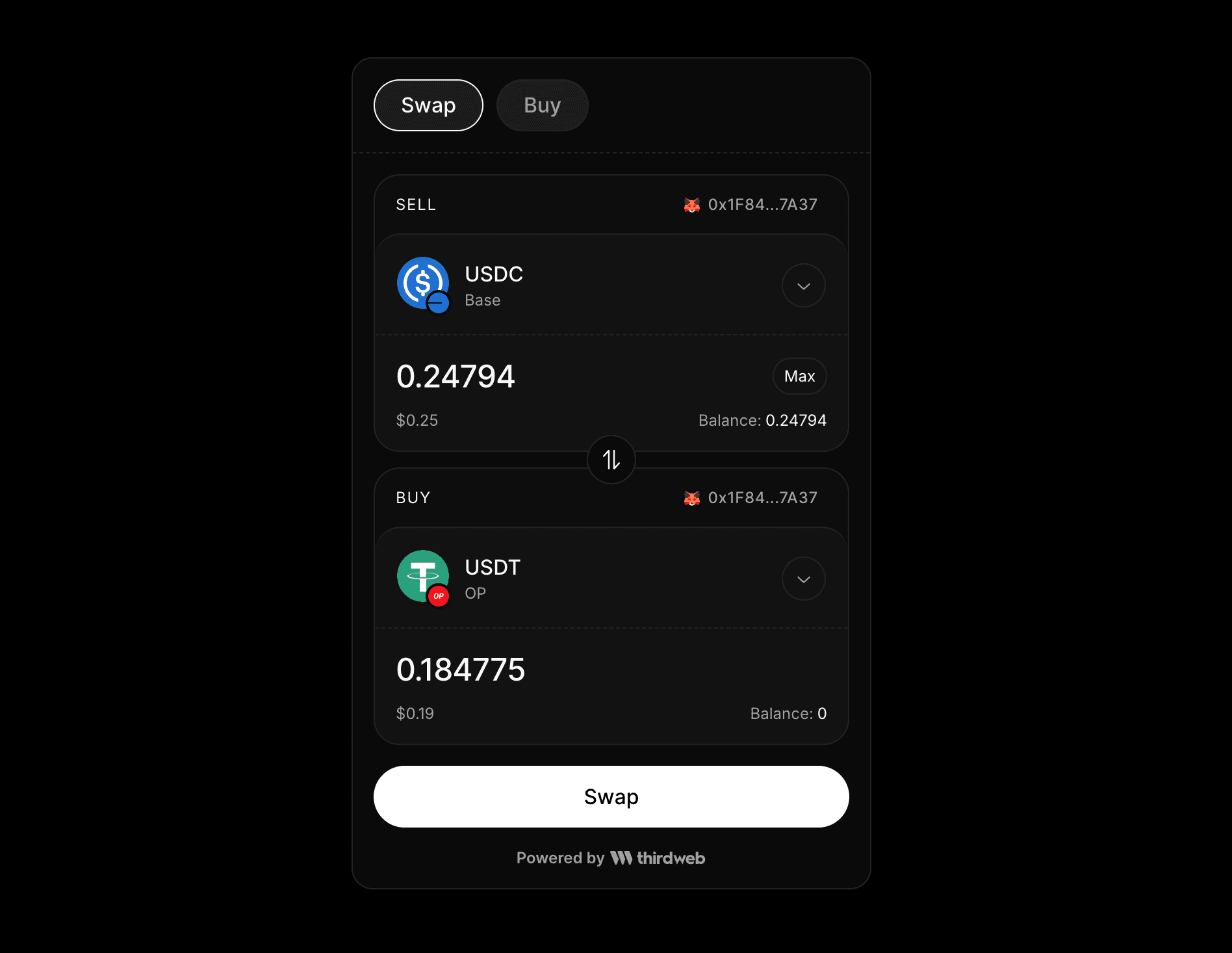
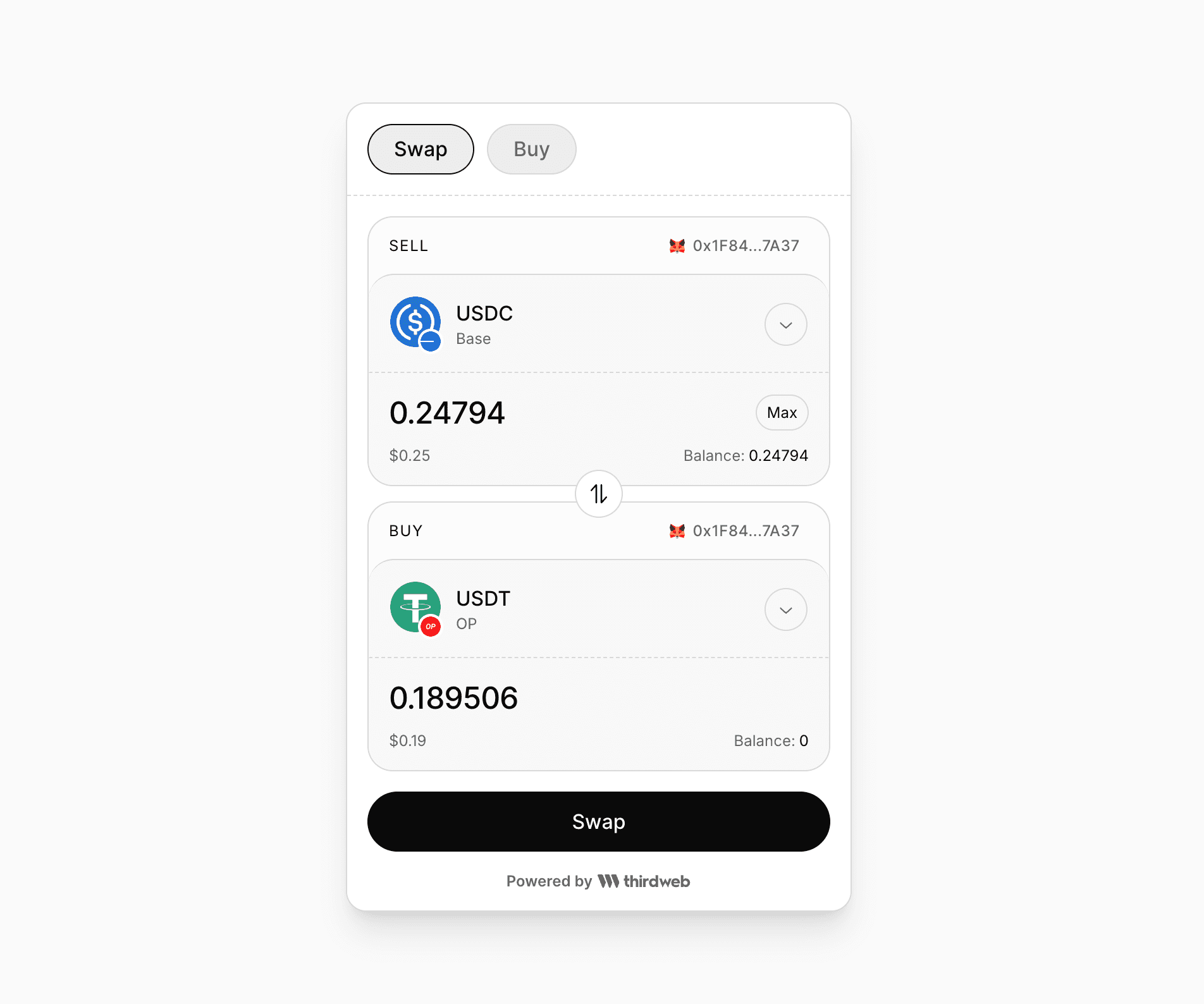
- dark and light mode support
- Set custom default token selections using query parameters
- Display fiat values in multiple currencies
Bridge Widget Playground
Try out the Bridge Widget in our live playground
You can customize theme, currencies, token selections etc using query parameters as mentioned below
By default the widget uses the "dark" theme.
You can set the light theme by passing the theme=light query parameter.
By default no tokens are selected in the widget UI.
You can change the default token selections by using query parameters mentioned below:
inputCurrency,inputChain,inputCurrencyAmountto set sell token and amount.outputCurrency,outputChain,outputCurrencyAmountto set buy token and amount.
Chain parameter should be the chain id (eg. 1 for Ethereum Mainnet, 137 for Polygon Mainnet, 8453 for Base Mainnet, etc.) and currency parameter should be the token address. You can use thirdweb chainlist to find the chain id for a chain.
To set native token of the chain, only specify the chain parameter and omit the currency parameter.
You can set default token amounts using the inputCurrencyAmount and outputCurrencyAmount query parameters.
By default, the widget saves the last used token selections to localStorage so that if the user revisits the widget later, last used tokens are selected by default. To disable this feature, you can set the persistTokenSelections query parameter to false.
if the custom default token selection is specified using the query params mentioned above, it overrides the last used tokens to ensure that configuration specified in query params is always respected.
By default the fiat value of the token amounts is displayed in USD.
You can change the currency by setting the currency query parameter to the desired currency.
Show fiat values in Japanese Yen (JPY) in the widget.
By default, the widget displays thirdweb branding at the bottom. You can hide this by setting the showThirdwebBranding query parameter to false.