Swap widget component
The Swap widget component makes it easy to add cross-chain token swaps to your app
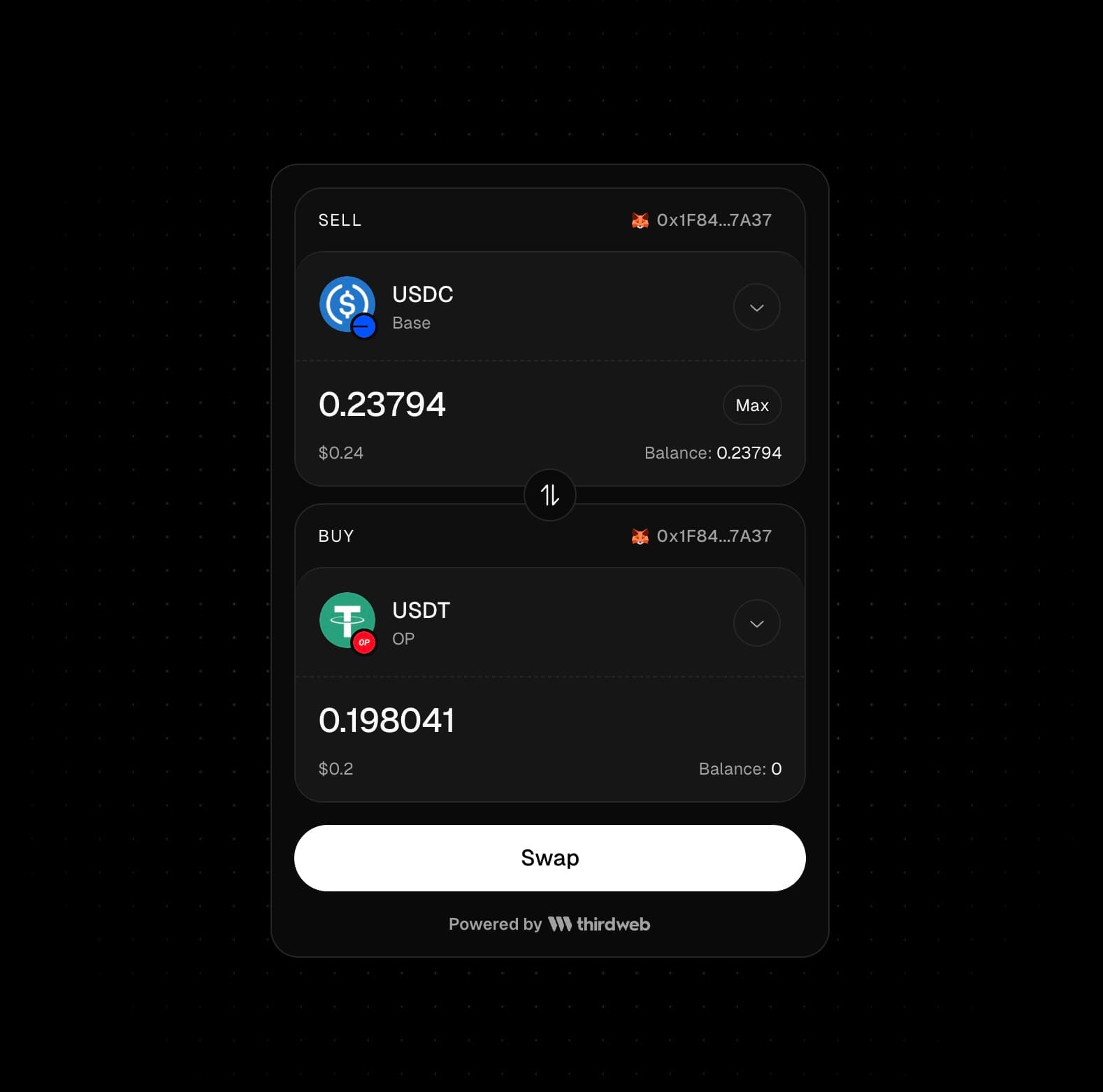
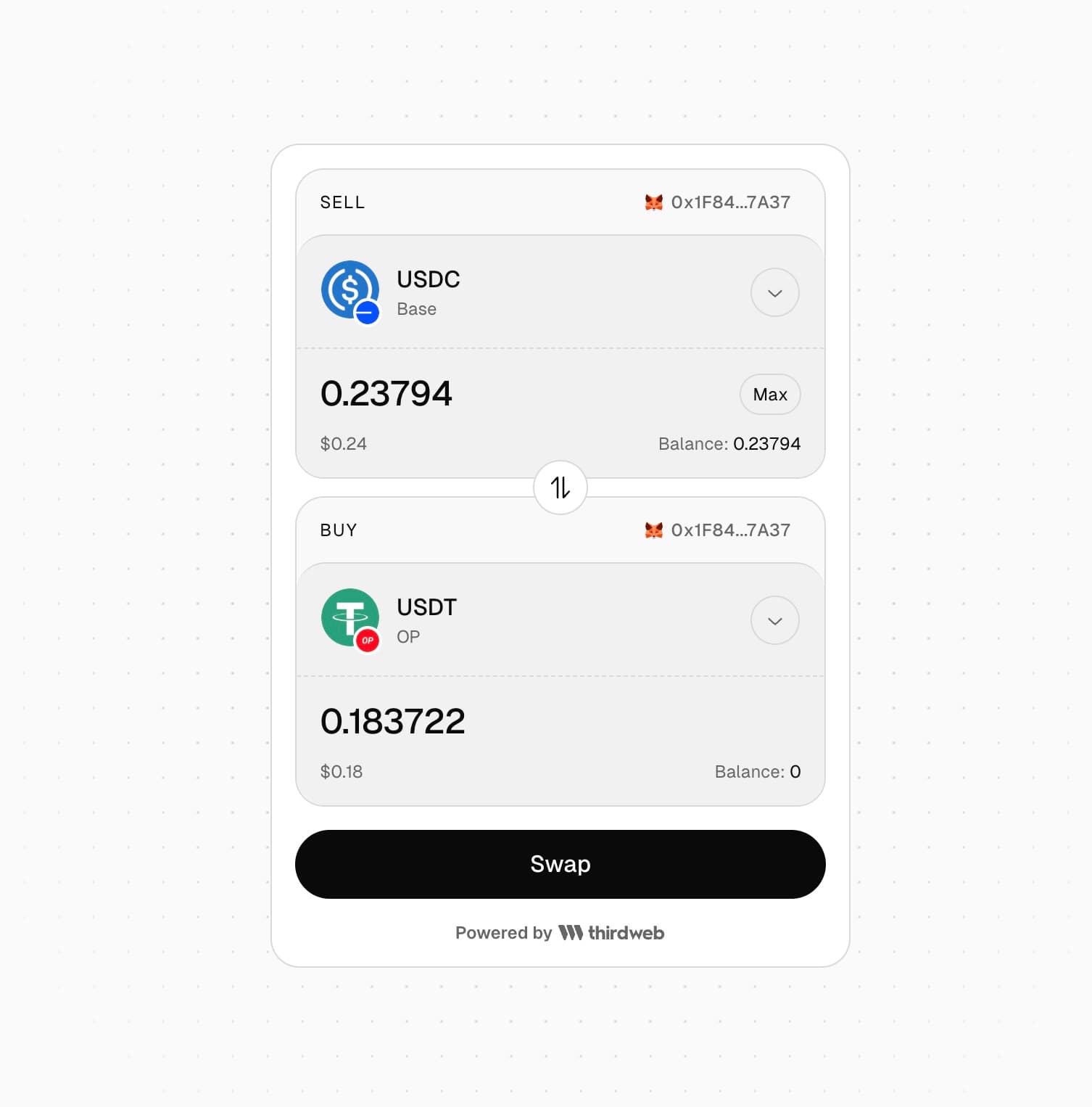
- Cross-chain token swaps across 90+ blockchains
- Route optimization to find the best path for any token pair
- Customizable UI - use prebuilt themes or override with your brand colors
- Display fiat values in multiple currencies
You will need a thirdweb project client id to use the SwapWidget component. You can get your clientId by creating a project in the thirdweb dashboard.
Make sure to wrap the component containing SwapWidget with the ThirdwebProvider component.
By default, no tokens are selected in the widget UI. You can configure the default token selection by passing in the prefill prop. It only sets the default token selection - users can change these selections in the widget UI.
To configure a native token to sell by default, you can omit the tokenAddress property.
SwapWidget Component
View the API reference for the SwapWidget component
Swap Widget Playground
Try out the Swap Widget in our live playground