Checkout widget iframe
The Checkout widget iframe makes it easy to accept crypto and fiat payments in your app. Just add an iframe to your HTML and get a fully customizable checkout widget - no build setup required.
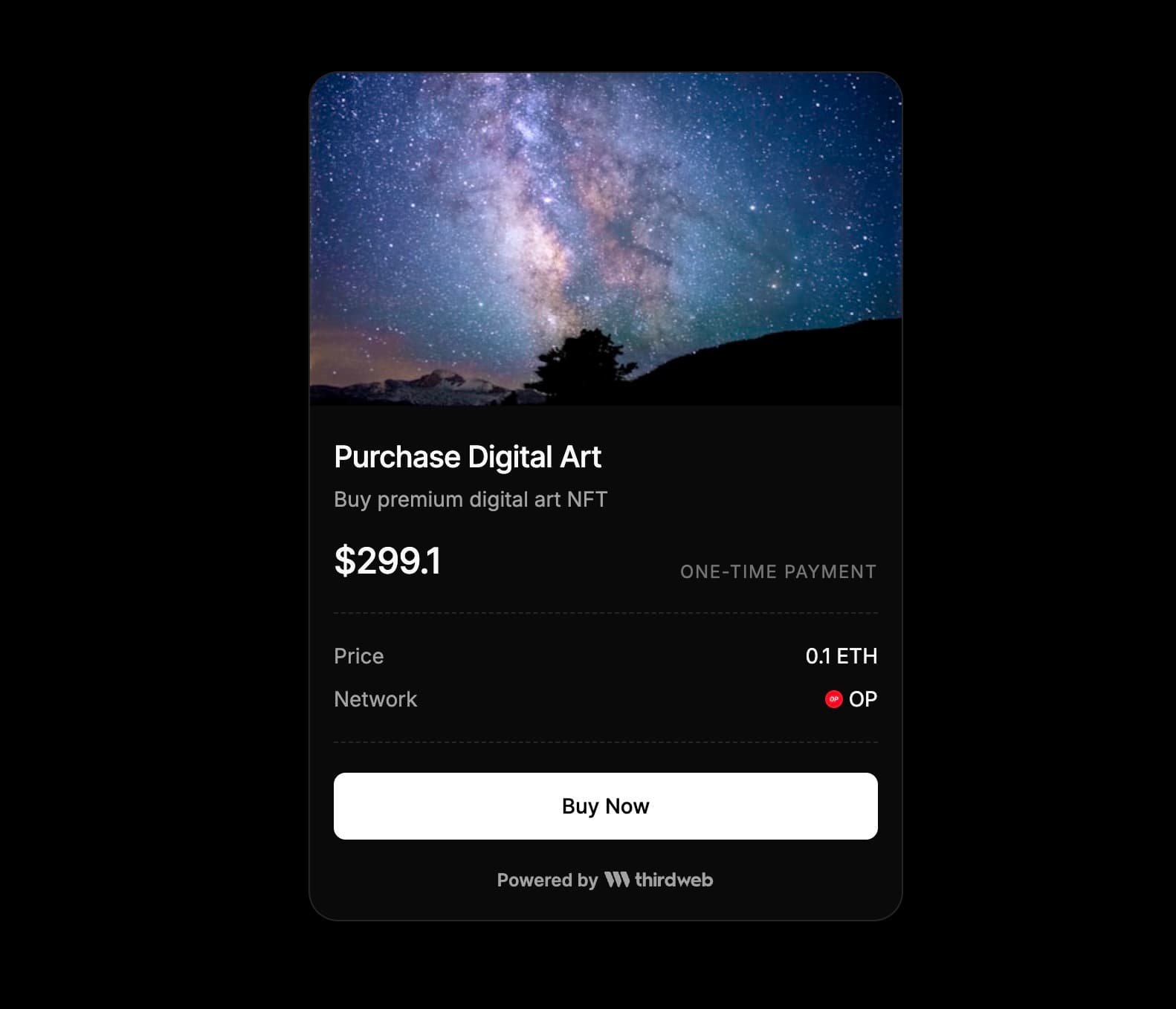
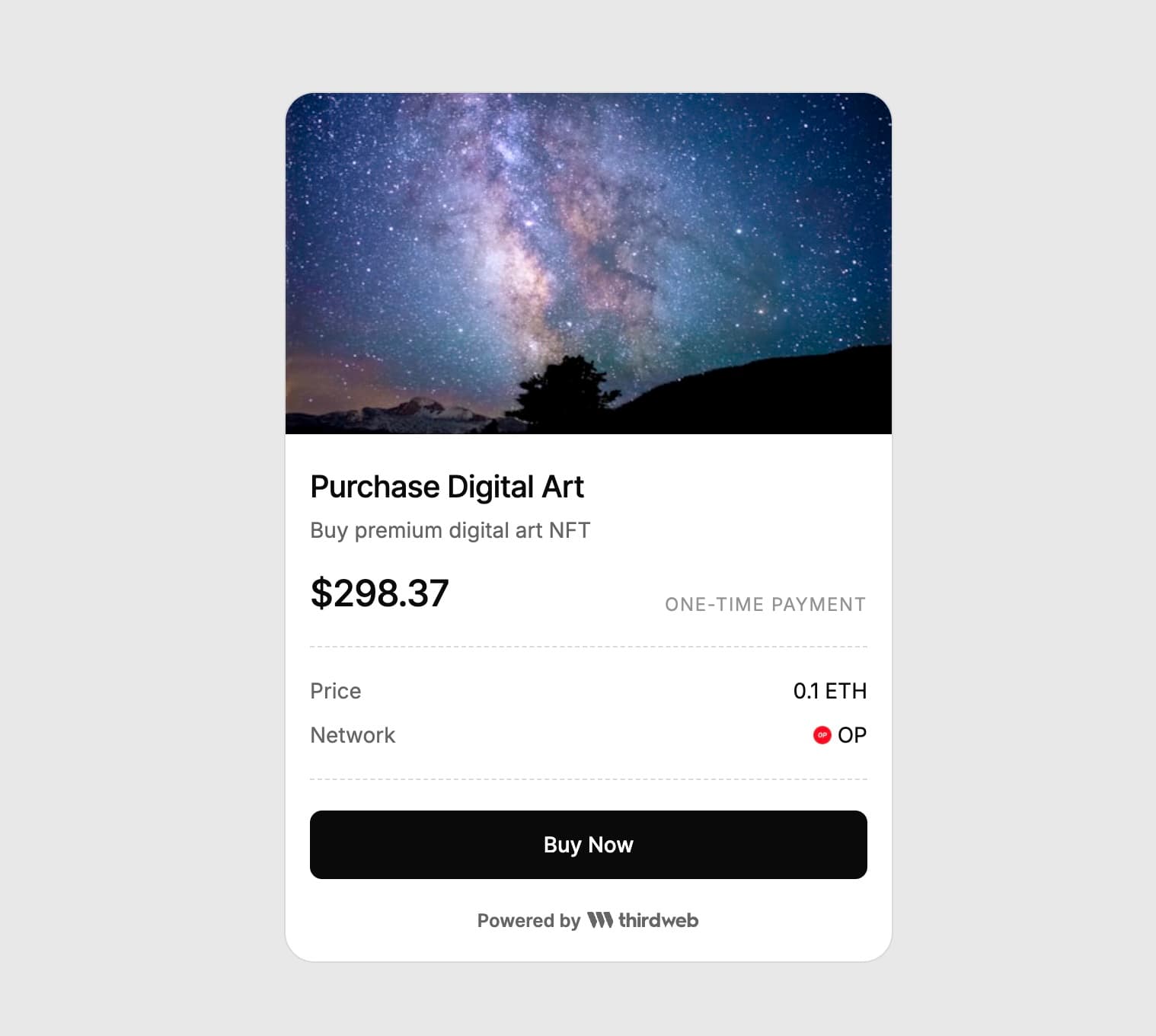
- Accept payments in crypto or fiat (credit/debit cards)
- Cross-chain payment support across 85+ blockchains
- Display product information (name, description, image)
- Dark and light mode support
- Display fiat values in multiple currencies
The checkout widget requires below minimum parameters to be set:
chain- The chain ID where you want to receive payment (e.g., 8453 for Base)tokenAddress(optional) - The token address to accept as payment. If this parameter is not set, payment will be accepted in the native token of the specified chain.amount- The amount to charge (as a decimal string, e.g., "0.01")seller- The wallet address that will receive the payment
Accept 0.1 USDC on Base as payment to seller (0xdd99b75f095d0c4d5112aCe938e4e6ed962fb024)
Checkout Widget Playground
Try out the Checkout Widget in our live playground
You can customize the checkout widget using query parameters as mentioned below.
By default the widget uses the "dark" theme. You can set the light theme by passing the theme=light query parameter.
You can display product information by passing title, description, and image query parameters. Each of these parameters are optional.
Make sure to URI encode the parameters if they contain special characters
By default the fiat value of the token amounts is displayed in USD. You can change the currency by setting the currency query parameter.
Show fiat values in Euro (EUR) in the widget.
By default, the widget enables both crypto and card (fiat) payment methods.
You can customize which payment methods are available by setting the paymentMethods query parameter.
Accepted values (comma-separated):
crypto- Enable crypto payments onlycard- Enable card (fiat) payments only
By default, the widget displays thirdweb branding at the bottom. You can hide this by setting the showThirdwebBranding query parameter to false.
The checkout widget iframe sends events to the parent window using postMessage when a purchase succeeds or fails.
You can listen for these events to handle the purchase result in your application.