Bridge

Swap widget iframe

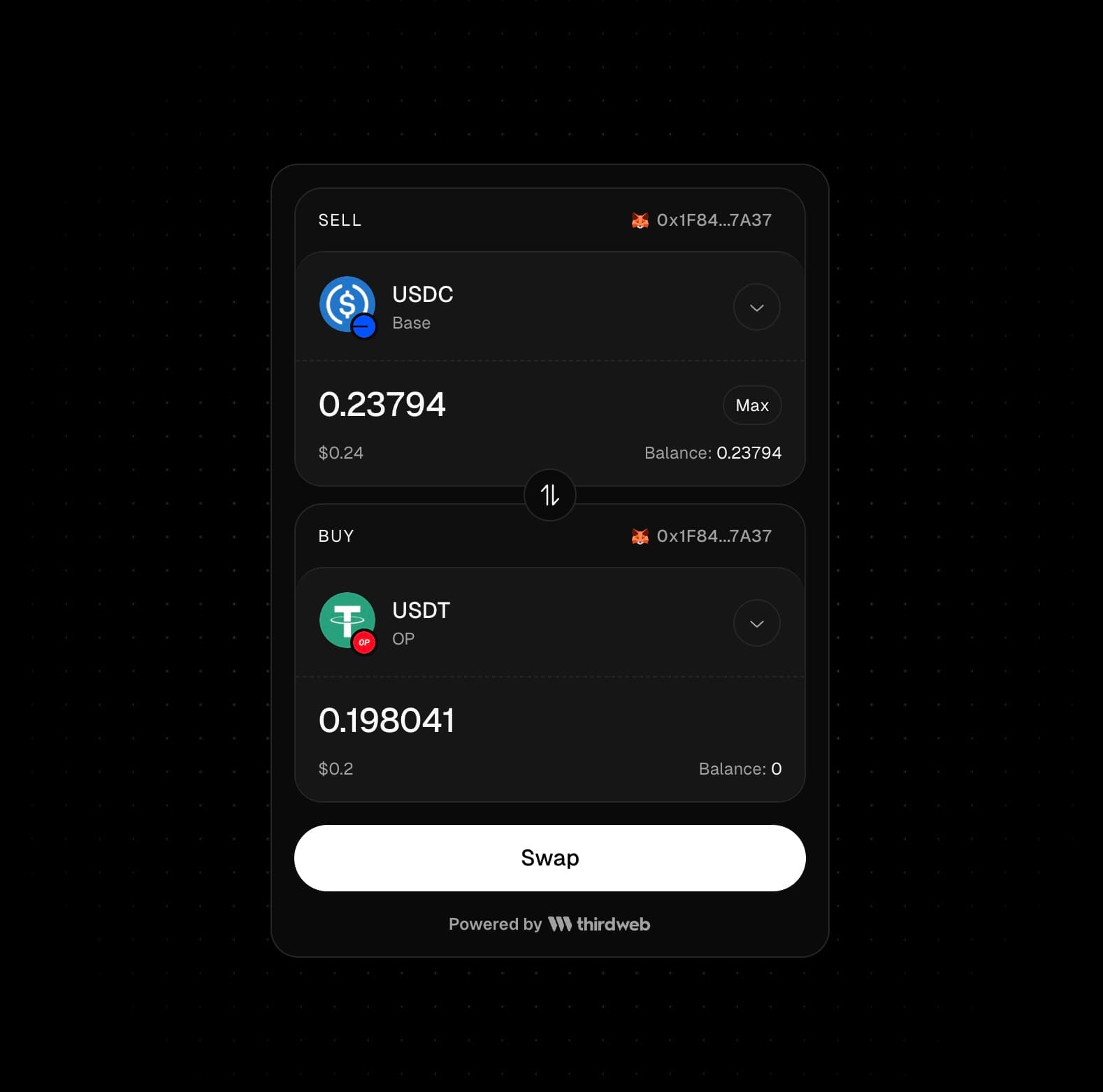
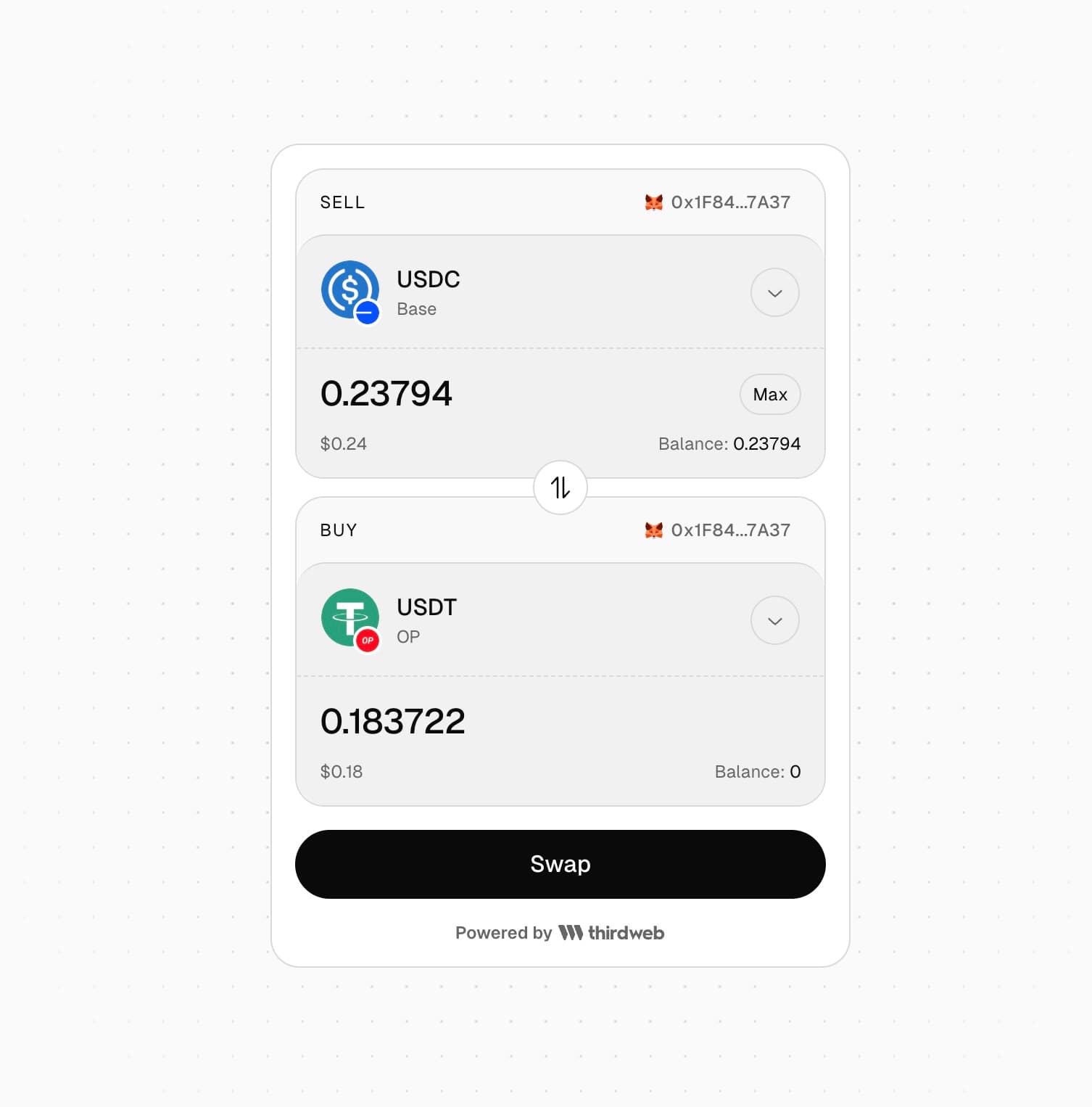
The Swap widget iframe makes it easy to add cross-chain token swaps to your app. Just add an iframe to your HTML and get a fully customizable swap widget - no build setup required.
Features

  • Cross-chain token swaps across 90+ blockchains
  • Route optimization to find the best path for any token pair
  • Dark and light mode support
  • Display fiat values in multiple currencies

Iframe Integration

The swap widget supports various query parameters to customize the default token selection. All parameters are optional - if not set, the widget will display without any pre-selected tokens.

Example

<iframe
src="https://thirdweb.com/bridge/swap-widget"
height="750px"
width="100%"
style="border: 0;"
/>

Try it out

Swap Widget Playground

Try out the Swap Widget in our live playground

Options

You can customize the swap widget using query parameters as mentioned below.

Token Selection

You can prefill the buy and sell token selections using the following parameters:

ParameterDescription
buyChainChain ID for the buy token (e.g., 1 for Ethereum, 8453 for Base)
buyTokenAddressToken contract address for the buy token. If not set, native token is used
buyAmountDefault amount to buy
sellChainChain ID for the sell token
sellTokenAddressToken contract address for the sell token. If not set, native token is used
sellAmountDefault amount to sell

Theme

By default the widget uses the "dark" theme. You can set the light theme by passing the theme=light query parameter.

<iframe
src="https://thirdweb.com/bridge/swap-widget?theme=light&sellChain=8453"
height="750px"
width="100%"
style="border: 0;"
/>

Currency

By default the fiat value of the token amounts is displayed in USD. You can change the currency by setting the currency query parameter.

Example

Show fiat values in Euro (EUR) in the widget.

<iframe
src="https://thirdweb.com/bridge/swap-widget?sellChain=8453&currency=EUR"
height="750px"
width="100%"
style="border: 0;"
/>

thirdweb branding

By default, the widget displays thirdweb branding at the bottom. You can hide this by setting the showThirdwebBranding query parameter to false.

<iframe
src="https://thirdweb.com/bridge/swap-widget?sellChain=8453&showThirdwebBranding=false"
height="750px"
width="100%"
style="border: 0;"
/>

Listening for Events

The swap widget iframe sends events to the parent window using postMessage when a swap succeeds or fails.

You can listen for these events to handle the swap result in your application.

window.addEventListener("message", (event) => {
// verify that message is from thirdweb swap widget iframe
if (
event.origin === "https://thirdweb.com" &&
event.data.source === "swap-widget"
) {
if (event.data.type === "success") {
console.log("Swap successful!");
}
if (event.data.type === "error") {
console.error("Swap failed with error:", event.data.message);
}
}
});