Swap widget
The Swap widget makes it easy to add cross-chain token swaps to your app. It supports swaps across 90+ blockchains with real-time quotes and route optimization to find the best path for any token pair.
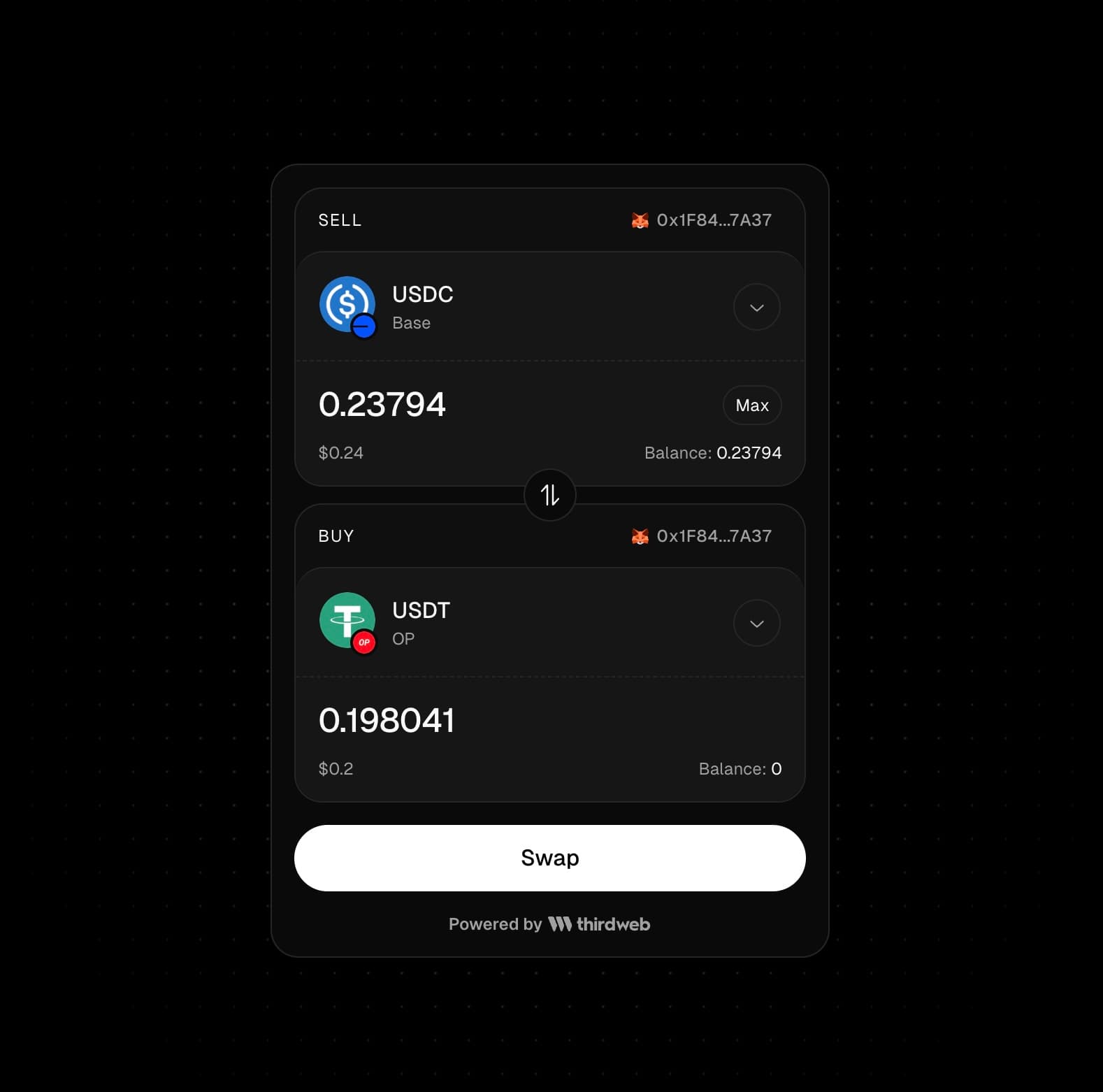
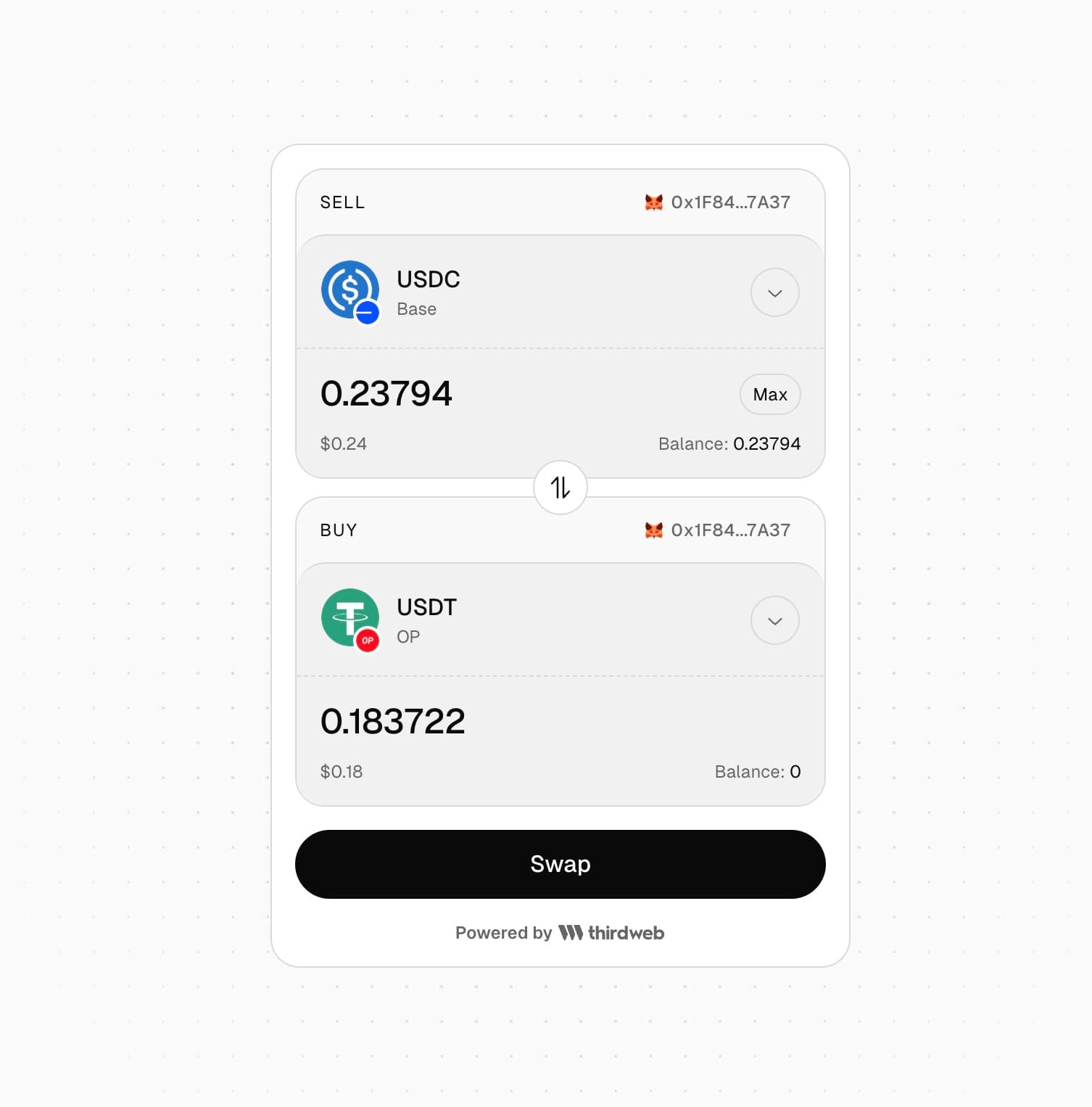
- Cross-chain token swaps across 90+ blockchains
- Route optimization to find the best path for any token pair
- Customizable UI with dark and light mode support
- Prefill token selections for a smoother user experience
- Display fiat values in multiple currencies
You can integrate the swap widget into your website using an iframe or a React component.
Iframe
Integrate swap widget into your website using an iframe
React Component
Integrate swap widget into your app using a React component
Swap Widget Playground
Try out the Swap Widget in our live playground